Make a Sound Triggered Photobooth with the Makey Makey module
4,447 views · Published 21 April 2015 · 1:02 · Indexed 18 October 2026
Channel: littleBits Electronics · 2015 · Science & Technology
Instructions at: http://littlebits.cc/projects/sound-triggered-photobooth

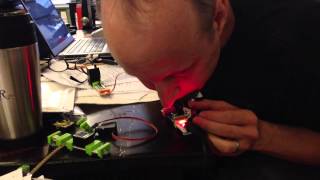
Snap selfies with the litteBits MaKey Makey module, a sound trigger and photobooth. Try setting one up at your next party!

How it Works:

With the Makey Makey module, you can turn any littleBits input module into an action on your computer. For example, with this project, we use the sound trigger to activate a left mouse click on our screen. The mouse is positioned to hover over the camera button in photobooth, so when the left click is activated by the sound trigger, a photo is snapped. You can also make a “key shortcut” on your computer, and make either the “arrow left” or “arrow right” be a shortcut for “take photo” on the computer application you are using (we used “Photobooth”).

littleBits is the easiest way to learn and invent with electronics. Find out more at littleBits.cc