Sloodle Access Checker Door
216 views · Published 17 July 2009 · 3:19 · Indexed 22 September 2026
Channel: Paul Preibisch · 2009 · Education
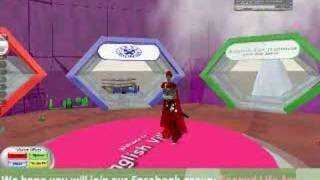
The Sloodle Access Checker door can be placed on any virtual classroom that you build in Second Life.  When users click on it, the Access checker door will contact your MOODLE Learning Management Website immediately and check to see if this avatar has been linked with a MOODLE account yet.  If it has, the door will open.  If it hasn't the user will get a blue dialog window asking them to "Go to webite"
When they click this, they will be asked to register with your MOODLE Website.  Once they register, their avatar ID will be linked to their MOODLE account, and they will be asked if they want to enrol in the course for which the access checker is connected too.  Once they enrol in the course, the door will then open in SL, the next time they click on it.