How to screen mirror to your Windows laptop
4,748 views · Published 4 December 2018 · 1:50 · Indexed 20 October 2026
Channel: EZCast · 2018 · Science & Technology
Turn your Windows laptop and PC into a universal wireless display receiver with EZCast RX.

Just download the app from https://www.ezcast.com/windows and unlock it with an activation key.

You can screen mirror your Android, iPhone, Windows, Mac to your Windows machine.

EZCast RX also supports Miracast and AirPlay, so you can screen mirror from smartphones natively.

Visit https://www.ezcast.com/windows to download a trial version now.
More from this channel
-
 1:46
EZCast ASUS FonePad 7 Miracast connection
1:46
EZCast ASUS FonePad 7 Miracast connection
-
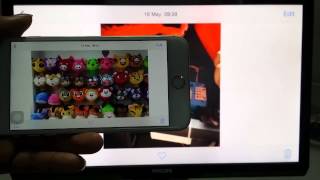 1:43
EZCast iOS8.4(iPhone6 Plus )EZAir connection
1:43
EZCast iOS8.4(iPhone6 Plus )EZAir connection
-
 2:02
EZCast Miracast Sony Z3 Demo (Android 5.0)
2:02
EZCast Miracast Sony Z3 Demo (Android 5.0)
-
 5:27
EZCast PRO for Chrome OS - How to
5:27
EZCast PRO for Chrome OS - How to
-
 1:27
Firmware Upgrade for EZCast Pro LAN - How to
1:27
Firmware Upgrade for EZCast Pro LAN - How to
-
 1:16
EZCastPro BOX:Touch Back Control
1:16
EZCastPro BOX:Touch Back Control
-
 1:18
EZCAST PRO Introduction
1:18
EZCAST PRO Introduction
-
 0:56
iPhone X Plug and Play Screen Mirroring (Christmas Edition)
0:56
iPhone X Plug and Play Screen Mirroring (Christmas Edition)