Creating a Drop Down Menu in Excel with Data Validation | Everyday Office 042
2,679 views · Published 26 April 2017 · 5:22 · Indexed 13 October 2026
Channel: Neil Malek · 2017 · Education
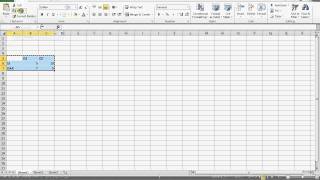
How do you create a drop-down menu in an Excel spreadsheet? Simplify data entry and clean up problem columns by restricting what your users can put into a cell. Using Data Validation, you can either enter a list of possible selections, or you can reference a list you've created for other purposes.

In this video, Neil Malek from Knack Training demonstrates how to lock down the possible selections for a given cell or set of cells with Data Validation.

Music: "Cali Code" by JMKM
http://soundcloud.com/productiveculture

Knack Training is a software and professional development training company from Orlando, FL. Neil Malek, principal at Knack Training, records software tutorials everyday through the series Everyday Office.

Knack Training is recording their entire library to provide lifetime value through KnackCourses.com - soup-to-nuts training in Excel, Outlook, and more.

Subscribe to my channel here: https://www.youtube.com/subscription_center?add_user=neilmalek

Subscribe to the quarterly tutorial ezine: http://knacktraining.com

http://knacktraining.com
http://knackcourses.com
http://facebook.com/knacktraining
http://twitter.com/neilmalek
http://instagram.com/neilmalek