How to Stop Google Maps from Tracking Your Location on iPhone - By iGeeksBlog.com
1,364 views · Published 15 December 2012 · 0:38 · Indexed 12 November 2026
Channel: iGeeksBlog · 2012 · Howto & Style
http://www.igeeksblog.com/stop-google-maps-from-tracking-your-location-on-iphone

Google Maps app for iPhone tracks your location anonymously by default. (if you ticked the checkbox on first-run). It's good but if you don't want Google to constantly track your movement, here's how to turn off Location Tracking from Google Maps on iPhone.
More from this channel
-
 1:16
How to Setup Multiple Email Signatures in iPhone Running iOS 6 / 6.0.1?
-
 0:48
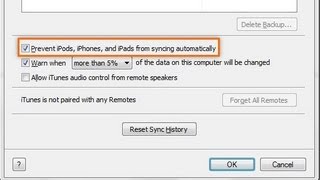
How to Disable iTunes Auto Syncing When You Connect iOS Device
-
 2:41
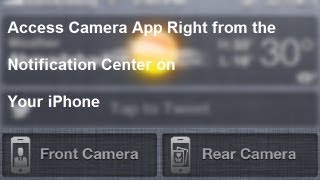
How to Access iPhone Camera From the Notification Center with Kamera Cydia Tweak
-
 1:13
Addial Cydia Tweak: Add Phone Features to iPhone Notification Center
-
 1:41
Draw and Send Doodles Through iMessage/Message with Doodle Cydia Tweak
-
 3:37
How to Renable Playing YouTube Video in iOS 6.x Using Safari
-
 1:22
How to Find Text on Webpage with Safari on iPhone and iPad
-
 2:19
AlarmDisplay Pro: How to Put Alarm Badges on Clock Icon of Your iPhone