Build an iMessage App Part 6 - Customizing the 2nd Picker and Adding an Image Container
230 views · Published 21 December 2016 · 13:48 · Indexed 16 November 2026
Channel: cartoonsmart · 2016 · Education
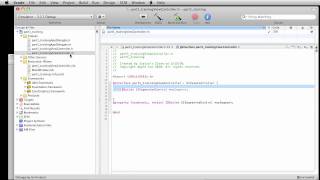
In this Swift 3 and iMessage tutorial, we'll add an image container which will house the main emoji image and secondary "saying" image, which ultimately get saved and sent in the MSMessage.

Find more Swift 3 and Xcode tutorials at CartoonSmart.com

Be sure to check out the Cartoon Me app inspired by this tutorial series.... http://tinyurl.com/cartoonmeapp
More from this channel
-
 8:06
Flash drawing basics part 2
-
 7:29
CartoonSmart Actionscript 3 Basics Tutorial Part 3 of 8
-
 10:00
CartoonSmart Actionscript 3 Basics Tutorial Part 5 of 8
-
 10:00
CartoonSmart Actionscript 3 Basics Tutorial Part 6 of 8
-
 10:01
iPhone/iPad Basics Tutorial Part 03 of 12
-
 10:01
iPhone/iPad Basics Tutorial Part 06 of 12
-
 8:08
iPhone/iPad Basics Tutorial Part 12 of 12
-
 13:27
Animated Landscapes 4 - Adobe Flash Animation Tutorial