Using Smart Objects to Apply and Replace Textures
3,262 views · Published 25 April 2013 · 3:06 · Indexed 14 November 2026
Channel: Nicole S. Young · 2013 · Howto & Style
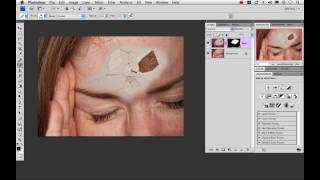
How to take advantage of Smart Objects with texture files inside of Photoshop.

http://store.nicolesy.com/products-page/textures/ Click here to get updates on photography & post-processing from Nicole: http://nicolesyblog.com/newsletter
More from this channel
-
 5:55
Give Someone a Headache using Photoshop
-
 2:04
Two Minute Tip - High Pass Sharpening
-
 1:45
Two Minute Tip: Cross Processing using Photoshop
-
 3:57
Two Minute Tip: Fake Tilt Shift Lens Effect
-
 2:34
Two Minute Tip: Brushed Metal Type Effect
-
 1:48
Two Minute Tip: Straightening Photos using Photoshop
-
 8:31
Basics of Google+
-
 11:18
Super-Minilypse Utah, USA (iStock drawing)