Text to Speech Options and Adding a Language Preference Menu to your iOS Story Book App
761 views · Published 8 September 2015 · 15:04 · Indexed 4 November 2026
Channel: cartoonsmart · 2015 · Education
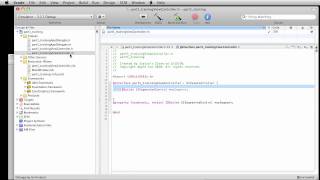
This video discusses how you can add a menu to your app where the reader can choose their preferred language. This is a bit more flexible than adding localization to your iOS app, since the Language value can be anything you want: Klingon, Elvish, Fairy, whatever.
The Language value can then be used to make an SKLabelNode's text change depending on the user's preference. So for example, a welcome message might read "Hi" or "Hola" if the Language is English or Spanish.
This video also discusses how you can use the kit's Text-to-Speech properties to read text from a label. Or you can tap an Element and read any text.
Finally you can change accents for the text-to-speech reader, the pitch, speed, volume and more!
The Story Teller's iOS Starter Kit 2 is Swift 2 and SpriteKit based, and uses the latest version of Xcode (currently Xcode 7)
cartoonsmart.com/story-tellers-ios-starter-kit/
More from this channel
-
 8:06
Flash drawing basics part 2
-
 7:29
CartoonSmart Actionscript 3 Basics Tutorial Part 3 of 8
-
 10:00
CartoonSmart Actionscript 3 Basics Tutorial Part 5 of 8
-
 10:00
CartoonSmart Actionscript 3 Basics Tutorial Part 6 of 8
-
 10:01
iPhone/iPad Basics Tutorial Part 03 of 12
-
 10:01
iPhone/iPad Basics Tutorial Part 06 of 12
-
 8:08
iPhone/iPad Basics Tutorial Part 12 of 12
-
 13:27
Animated Landscapes 4 - Adobe Flash Animation Tutorial