Enable Read and Delivery Receipt Confirmation on Outlook 2010
4,619 views · Published 12 November 2010 · 1:07 · Indexed 10 November 2026
Channel: AvoidErrors · 2010 · Howto & Style
When sending an e-mail, you can request a return receipt. This is a message that will let you know that your e-mail was delivered. You can either set this option on individual e-mail messages, or as a global option to apply to all e-mail sent.
More from this channel
-
 0:57
How to Defragment windows Vista
-
 1:05
How To Turn Off UAC (User Account Control) in Windows 7
-
 5:18
Back Up Outlook Mail, Contacts and Other Data
-
 6:13
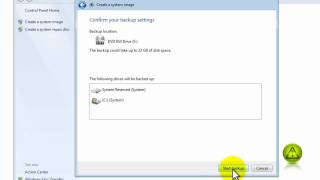
How to Create a Windows 7 Restore Image
-
 1:09
Fix Asus P6T Sound Noise
-
 1:18
Disable System Restore in Windows 7
-
 0:58
How To Know if You are Running 32-bit or 64-bit - Windows 7
-
 1:03
How to Change Your Computer Name in Windows 7 or Vista