How do I use the text message feature in the Holden Equinox?
3,158 views · Published 28 November 2017 · 1:27 · Indexed 18 October 2026
Channel: Holden · 2017 · Autos & Vehicles
Learn how to use Holden MyLink's Text Messaging feature for safe, handsfree messaging without having to take your eyes off the road: https://www.holden.com.au/owning/myholden-connect

How to use handfree text messaging:
-  Connect your phone to your Holden MyLink console via Bluetooth
-  When a text message is received, it will appear as a notification on your MyLink screen
-  You can choose to either listen to message or use multi functional knob to select VIEW message
-  You can also DISMISS or REPLY to message using multi functional knob
-  Users also have choice of pre-defined responses, including YES, NO, OK, I AM IN TRAFFIC,
    personalised responses and automatic call back

For more information on Holden MyLink and its many features visit - https://www.holden.com.au/owning/myholden-connect

Like Holden on Facebook - https://www.facebook.com/holdenaustralia
Follow Holden on Twitter - https://twitter.com/holden_aus
Follow Holden on Instagram - https://www.instagram.com/holdenaustralia
More from this channel
-
 1:06
Exterior Styling
-
 1:15
The Unsung Heroes of Bathurst - Race Engineer
-
 1:20
How to stream music from my Bluetooth Device, iPod or other Source? | myHolden Connect
-
 0:30
How to Play Music Using the AUX Input | myHolden Connect
-
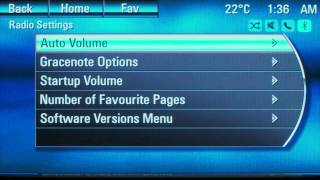 0:40
How to Change Number of Favourites | myHolden Connect
-
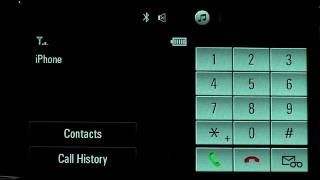 0:34
How do I dial a telephone number from the phone book or using call history? | myHolden Connect
-
 0:59
How do I dial a telephone number? | myHolden Connect
-
 0:54
How do I lock and unlock my Holden Spark using the Sensor Key System? | myHolden Connect