3DXchange5 Tutorial - Material Refinement for Daz Character Optimization
4,483 views · Published 11 May 2012 · 3:52 · Indexed 21 October 2026
Channel: Reallusion · 2012 · Howto & Style
http://www.reallusion.com/iclone/

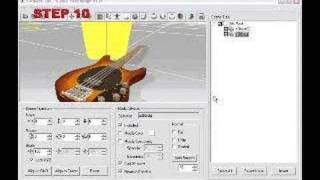
In this brief demonstration video, you will learn some key tips about how to optimize the appearance of your Daz character when converting it into iClone format.  By adjusting the various texture maps of your Daz character in 3DXchange, you can refine the appearance of any character so that it's appearance in iClone format looks just as good as the original.  You can then embed them with your character for import into iClone.

Get the content
http://www.reallusion.com/ContentStore/iclone/pack/DAZ_introductory_content_pack/default.html
More from this channel
-
 6:56
Environment Domes-1
6:56
Environment Domes-1
-
 2:30
BBC News
2:30
BBC News
-
 15:20
3DXchange GUI overview
15:20
3DXchange GUI overview
-
 15:40
3DXchange Tutorial - Animated Jeep with moving wheels
15:40
3DXchange Tutorial - Animated Jeep with moving wheels
-
 0:17
Facial Deformation Showcase @ Siggraph 2007
0:17
Facial Deformation Showcase @ Siggraph 2007
-
 0:53
Dancing Queen showcase @ Siggraph 2007
0:53
Dancing Queen showcase @ Siggraph 2007
-
 13:22
iClone Tutorial --Lighting Features and Techniques
13:22
iClone Tutorial --Lighting Features and Techniques
-
 5:26
iClone Machinima Filmmaking
5:26
iClone Machinima Filmmaking