Identifying CAD Surfaces - PowerINSPECT 2015R2
665 views · Published 14 July 2015 · 2:00 · Indexed 31 October 2026
Channel: Autodesk Advanced Manufacturing · 2015 · Science & Technology
It is now easier than ever to select and identify surfaces from your CAD model. Highlight a surface in the CAD tab and the corresponding surface is highlighted in the CAD view.

To find out more:
Visit our Website: http://www.powerinspect.com
Like our Facebook:  https://www.facebook.com/AutodeskPowerMill
Follow us on twitter:  https://twitter.com/AutodeskPowerMill
More from this channel
-
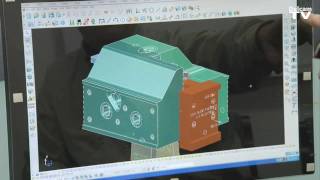 1:58
Injection mold manufacture using Delcam's PowerMILL and PowerSHAPE
-
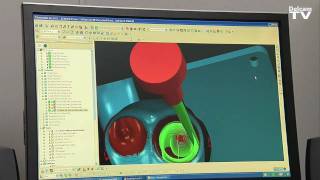 2:44
Manufacturing racing engines with Delcam PowerMILL and PowerSHAPE
-
 3:59
Performance engine components using Delcam's PowerMILL
-
 5:13
Aerospace components manufactured using Delcam's Advanced Manufacturing Solutions
-
 1:01
Scooter mold machined using PowerMILL
-
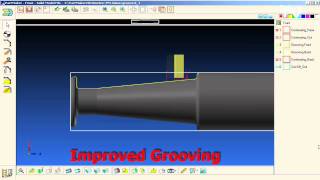 7:32
Delcam PartMaker 2010
-
 1:54
Industrial laser solutions from Lasit and Delcam at EMO 09
-
 1:50
Hardinge machine tools and Delcam at EMO 09