E-mail or Send Large Files Over the Internet with (Dropbox)
1,928 views · Published 4 March 2011 · 4:20 · Indexed 5 October 2026
Channel: AvoidErrors · 2011 · Howto & Style
To share a folder, simply login to your account online and click the checkbox next to the folder(s) you wish to share. Then click the “Share a folder” tab above the directory listing. You’ll be prompted for the recipient(s) email address and optional message.
More from this channel
-
 6:13
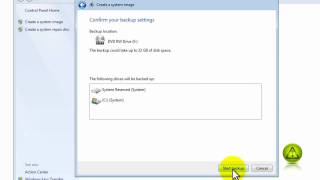
How to Create a Windows 7 Restore Image
6:13
How to Create a Windows 7 Restore Image
-
 1:09
Fix Asus P6T Sound Noise
1:09
Fix Asus P6T Sound Noise
-
 0:58
How To Know if You are Running 32-bit or 64-bit - Windows 7
0:58
How To Know if You are Running 32-bit or 64-bit - Windows 7
-
 1:03
How to Change Your Computer Name in Windows 7 or Vista
1:03
How to Change Your Computer Name in Windows 7 or Vista
-
 3:24
How to Share an Office Printer
3:24
How to Share an Office Printer
-
 3:04
Back Up Internet Explorer Favorites
3:04
Back Up Internet Explorer Favorites
-
 1:07
Enable Read and Delivery Receipt Confirmation on Outlook 2010
1:07
Enable Read and Delivery Receipt Confirmation on Outlook 2010
-
 2:47
Disable changing home page settings in Internet Explorer
2:47
Disable changing home page settings in Internet Explorer