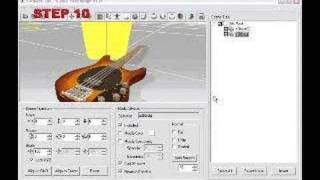
iClone 3DXchange5.4 Beta Tutorial - Replacing Morph Target Data in Morph-based Facial Models
1,724 views · Published 11 March 2013 · 2:17 · Indexed 28 September 2026
Channel: Reallusion · 2013 · Film & Animation
*Since the video is made in Beta version, please refer to the final UI in the online help.
http://www.reallusion.com/iclone/help/3dxchange5/pro/default.asp

Outside of Daz, most morph-based facial animation is exported via a series of OBJ files that define morph targets for facial animation.  If you want to adjust any one part of this, there's no need to go through the whole process again, all you need to do is replace one of the vital morph targets with a separate OBJ and import it into the morph list in 3DXchange.  Check out the video for more!