How to Deploy a PLDS License File on an Avaya B5800 Branch Gateway R6.1
4,939 views · Published 19 March 2012 · 12:11 · Indexed 28 September 2026
Channel: Avaya Mentor · 2012 · Science & Technology
This video will demonstrate how to upload a unique Product Licensing and Delivery System (PLDS) license file using the Avaya B5800 Branch Gateway Manager Embedded File Management.
More from this channel
-
 4:21
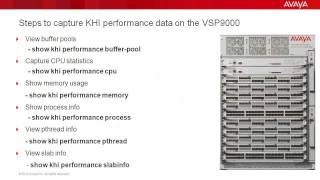
Troubleshooting the Avaya VSP9000 with Key Health Indicators (KHI)
4:21
Troubleshooting the Avaya VSP9000 with Key Health Indicators (KHI)
-
 9:01
How to Install RHEL for Avaya Agile Communication Environment (ACE)
9:01
How to Install RHEL for Avaya Agile Communication Environment (ACE)
-
 1:53
How to Configure syslog on the Avaya ERS8800
1:53
How to Configure syslog on the Avaya ERS8800
-
 6:54
Avaya Aura® Session Border Controller SNMP Trap Generation
6:54
Avaya Aura® Session Border Controller SNMP Trap Generation
-
 7:10
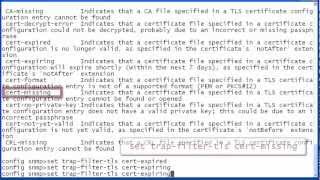
Avaya Aura® Session Border Controller SNMP Trap Administration
7:10
Avaya Aura® Session Border Controller SNMP Trap Administration
-
 5:02
How to debug Licensing issues for Avaya Aura Experience Portal or Avaya Voice Portal
5:02
How to debug Licensing issues for Avaya Aura Experience Portal or Avaya Voice Portal
-
 2:53
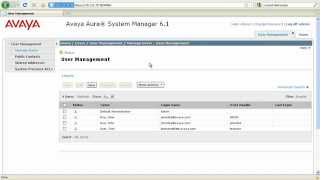
How to create OPTIM users in Avaya Aura System Manager
2:53
How to create OPTIM users in Avaya Aura System Manager
-
 1:54
How to Collect Log Files for Troubleshooting in Avaya Presence Services
1:54
How to Collect Log Files for Troubleshooting in Avaya Presence Services