Changing the Batteries in the UniCam High-Performance Installation Tool
712 views · Published 4 February 2013 · 2:31 · Indexed 4 November 2026
Channel: Corning Optical Communications · 2013 · Science & Technology
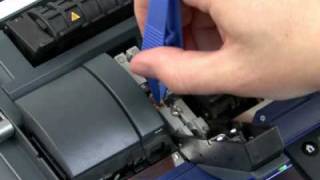
It's simple and easy to change the batteries in the UniCam High-Performance Installation Tool.
More from this channel
-
 1:01
Part 7: Replacing the Electrodes (OptiSplice M90e Fusion Splicer)
-
 1:03
OptiSnap Instructional Video, Part 8: Installing Directly on 250 Micron Fiber
-
 1:16
OptiSnap Instructional Video, Part 7: Installing on a 250 Micron Furcated Fiber
-
 2:49
OptiSnap Instructional Video, Part 5: Terminating the Field Fiber
-
 2:02
OptiSnap Instructional Video, Part 4: Cleaving the Field Fiber
-
 2:18
OptiSnap Instructional Video, Part 3: Installing on 900 micron Tight-Buffered Cable
-
 2:49
Cleaning and Maintenance of the FBC-015 Cleaver
-
 7:46
Plug & Play™ AnyLAN™ Systems