Change What Windows Does When You Close Your Laptop's Lid
566 views · Published 1 March 2011 · 1:21 · Indexed 1 November 2026
Channel: AvoidErrors · 2011 · Howto & Style
By default, most laptops automatically go into sleep mode when you close the lid. This is usually great, as most of us shut our laptops, throw them into our bags, and then expect them to be running in an instant when we get them back out at the next stop. Sometimes, though, you might want to leave your laptop running while the lid is shut
More from this channel
-
 0:57
How to Defragment windows Vista
-
 1:05
How To Turn Off UAC (User Account Control) in Windows 7
-
 5:18
Back Up Outlook Mail, Contacts and Other Data
-
 6:13
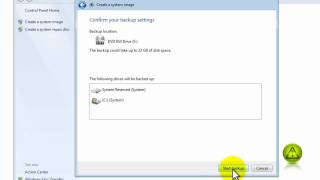
How to Create a Windows 7 Restore Image
-
 1:09
Fix Asus P6T Sound Noise
-
 1:18
Disable System Restore in Windows 7
-
 0:58
How To Know if You are Running 32-bit or 64-bit - Windows 7
-
 1:03
How to Change Your Computer Name in Windows 7 or Vista