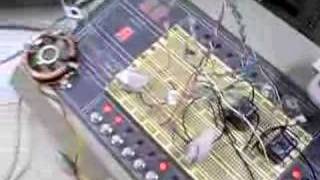
ADXL345 Accelerometer problem workaround
3,108 views · Published 12 June 2012 · 2:59 · Indexed 16 November 2026
Channel: RF · 2012 · Science & Technology
For some reason, the accelerometer was returning very low values (approx. -1100) on X and Y axis when it should be zero. So when it was configured to show values between -2g and 2g, it was always stuck at -2g (or -512), since it was the minimum value it could display.

So, I changed the range to -8g to 8g, and then it could read the decallibrated values I mentioned (something like -1183 and so on).

Then I added some callibration values to bring these variables back to zero, and then, the readings started to make more sense, as you can see on the second part of the video.

ADXL345 library and example used in this video:
https://www.loveelectronics.co.uk/Tutorials/12/adxl345-accelerometer-arduino-tutorial

ADXL345 datasheet: http://www.sparkfun.com/datasheets/Sensors/Accelerometer/ADXL345.pdf