Brother ScanNCut Feature: Background Scan
3,778 views · Published 18 September 2013 · 1:58 · Indexed 24 October 2026
Channel: Brother Crafts USA · 2013 · Howto & Style
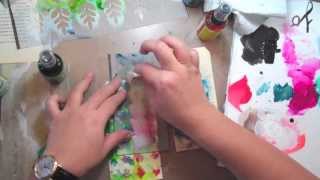
The magic of ScanNCut lies in its ability to scan your materials using the 300 DPI built-in scanner. See the scanned image on the large color LCD touch screen, open your cut design, and -- using the stylus -- simply move the cut design over the desired area for a perfect cut -- without measuring or using a computer. Learn more here: http://www.brother-usa.com/ScanNCut/Features.aspx.
More from this channel
-
 1:35
Brother ScanNCut Feature: Direct Scan
-
 3:41
Brother ScanNCut Tutorial: Make Festive Home Decor
-
 6:44
Autumn Card Instructional Video with May Flaum
-
 2:01
ScanNCut Mini Infomercial
-
 13:06
Stenciled Tag Instructional Video with Julie Fei-Fan Balzer
-
 3:34
Stenciled Canvas Art Instructional Video with Crafty Chica
-
 12:46
Project Life Instructional Video with Erin Bassett
-
 2:18
Duct Tape Earrings Instructional Video with Crafty Chica