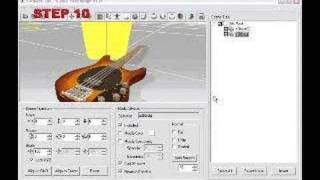
iClone Avatar Toolkit2 Tutorial - Setting Up Puppet Controller Expressions
3,672 views · Published 21 November 2013 · 10:17 · Indexed 18 October 2026
Channel: Reallusion · 2013 · Film & Animation
Try out the new iClone 6 for FREE: http://www.reallusion.com/iclone/iclone_trial.aspx

http://www.reallusion.com/iclone/iclone_AvatarToolkit.aspx
One unique aspect of the Avatar Toolkit is the ability to define motion profiles for every single accessory attached to your character, then consolidate all the data into a single controller so that they can all be animated simultaneously with simple mouse movements.  It's actually a lot easier than it sounds!  In this tutorial, you'll be given a brief example of how you can assign two completely different expressions to the Puppet Controller, modify them, and then animate them.

Adding Individual Profiles: 1:02
Adding Expressions from Facial Puppet Clips: 5:07
More from this channel
-
 6:56
Environment Domes-1
6:56
Environment Domes-1
-
 2:30
BBC News
2:30
BBC News
-
 15:20
3DXchange GUI overview
15:20
3DXchange GUI overview
-
 15:40
3DXchange Tutorial - Animated Jeep with moving wheels
15:40
3DXchange Tutorial - Animated Jeep with moving wheels
-
 0:17
Facial Deformation Showcase @ Siggraph 2007
0:17
Facial Deformation Showcase @ Siggraph 2007
-
 0:53
Dancing Queen showcase @ Siggraph 2007
0:53
Dancing Queen showcase @ Siggraph 2007
-
 13:22
iClone Tutorial --Lighting Features and Techniques
13:22
iClone Tutorial --Lighting Features and Techniques
-
 5:26
iClone Machinima Filmmaking
5:26
iClone Machinima Filmmaking