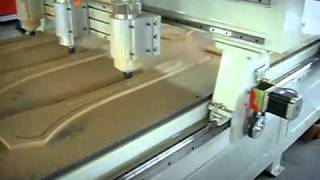
how to connect the rotary axis to your cnc router
2,351 views · Published 15 May 2012 · 1:13 · Indexed 30 September 2026
Channel: Liu Xin · 2012 · Science & Technology
connect the cable to the plug port. Then the rotary will take place of X (or Y) axis. then you can do your 2D work on a column surface.
More from this channel
-
 0:47
Engraving wood racket ( 1345 CNC Router video 5 of 7), China cnc router, china cnc machine
0:47
Engraving wood racket ( 1345 CNC Router video 5 of 7), China cnc router, china cnc machine
-
 0:51
CNC router engraving on plastic, china cnc router
0:51
CNC router engraving on plastic, china cnc router
-
 13:40
CNC Router Engrave on wood 1
13:40
CNC Router Engrave on wood 1
-
 0:47
Laser cutting machine work on cloth
0:47
Laser cutting machine work on cloth
-
 3:15
今生注定
3:15
今生注定
-
 1:36
1630 LASER Cutting Machine, china laser machine, China laser cutter
1:36
1630 LASER Cutting Machine, china laser machine, China laser cutter
-
 0:35
Laser machine Cut 2cm Acrylic, china laser cutting machine
0:35
Laser machine Cut 2cm Acrylic, china laser cutting machine
-
 0:47
laser bottle engraving
0:47
laser bottle engraving