Removing all Snap References and New Escape Sequence
3,818 views · Published 5 May 2015 · 2:15 · Indexed 14 November 2026
Channel: ARCHICAD · 2015 · Science & Technology
Related Help Center articles:
Snap Guides - http://helpcenter.graphisoft.com/?p=46054
Snap Points - http://helpcenter.graphisoft.com/?p=46056
Snap Points and Guide Lines - http://helpcenter.graphisoft.com/?p=45834

http://www.graphisoft.com/archicad/
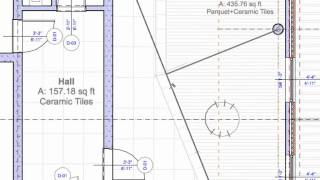
This video clip presents the option of removing all Snap References in one step. Since this action is performed by the Escape key, you can also discover how it modifies the Escape sequence.
More from this channel
-
 0:33
GRAPHISOFT ArchiCAD Inventions - Virtual Trace (2007)
-
 0:51
GRAPHISOFT ArchiCAD Inventions - The First Teamwork Concept (1995)
-
 1:44
ArchiCAD 13 New Features - Next-Gen Teamwork - Speed
-
 1:46
ArchiCAD 13 Productivity Improvements - 64-bit Support for Windows
-
 0:43
ArchiCAD 13 Productivity Improvements - Improved Curtain Wall Editing
-
 2:16
ArchiCAD 12 New Features - Curtain Wall
-
 1:05
ArchiCAD 12 New Features - Nudge
-
 1:06
ArchiCAD 12 New Features - Dimension Input