Creating Relative Views of non-planer Models
509 views · Published 6 July 2010 · 1:16 · Indexed 18 October 2026
Channel: TriMech Tech Tips Channel · 2010 · Education
http://www.javelin-tech.com/main/products/solidworks_cad.htm

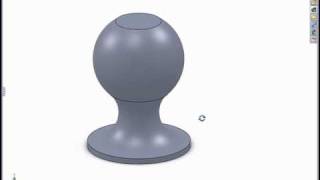
In this tech tip we will review the Relative View tool and how you can select reference planes to specify the view orientation. This is helpful when creating relative views of cylindrical structural members.
More from this channel
-
 2:26
PropertyLinksXpress - Try a FREE SolidWorks Add-in for Custom Property Insertion
-
 6:12
Modeling in the SolidWorks Graphics Area
-
 1:00
Using Select Sub-assembly with the Isolate Tool
-
 2:07
Using the Selection Tools with an Assembly
-
 1:06
The Flat to the Screen Dimension Display Option
-
 2:31
Using Reload Rather Than Close Without Save
-
 0:52
SolidWorks 2008 Enhanced Component Patterns
-
 1:46
What's New In SolidWorks 2010 Day 2 - PART 2 - Assemblies 2 /2