Adobe Photoshop CS2 - Editing Vector Smart Objects
4,891 views · Published 10 May 2009 · 2:39 · Indexed 24 October 2026
Channel: Cari Jansen · 2009 · Education
[December 7, 2006] This is part 2 in a 3 part tutorial on Vector Smart Objects. .
Previous tutorial: http://www.youtube.com/watch?v=sKSHQH2kDXo
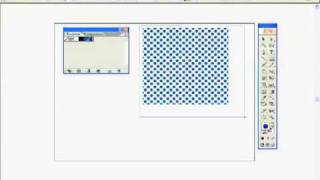
Replacing the content: So, if we edit an individual smart object, that has been copied, all related objects are also updated after the edited object has been saved
So what happens when instead of editing we select the Replace Contents.. command from the Layer : Smart Objects menu?
More from this channel
-
 1:56
Adobe InDesign CS2 - Nested and Next Styles
-
 1:02
Adobe InDesign CS2 - Last Line Right Indent
-
 3:41
Adobe Photoshop CS2 - Creating and duplicating Vector Smart Objects
-
 1:36
Adobe Photoshop CS2 - Replacing Vector Smart Objects
-
 2:04
Adobe Illustrator CS2 - Faded dotted pattern
-
 7:03
Adobe InDesign, Typefi AutoFit - one-to-many relationship
-
 4:37
InDesign CS4 - GREP your Figures.
-
 4:37
Illustrator CS4 Two Artboards and a shared PDF Review