Tech Tip: SOLIDWORKS 2015 Tutorial - Open Part In-Position
3,252 views · Published 22 September 2014 · 1:29 · Indexed 8 October 2026
Channel: TriMech Tech Tips Channel · 2014 · Science & Technology
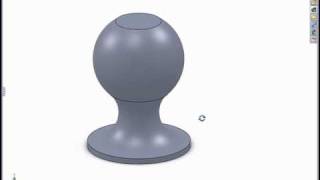
SOLIDWORKS 2015 gives you the ability to open a part from an assembly, and rotate it to the same position you were viewing it in the assembly. This will save time when you need to make a quick edit in a specific spot.
More from this channel
-
 2:26
PropertyLinksXpress - Try a FREE SolidWorks Add-in for Custom Property Insertion
-
 6:12
Modeling in the SolidWorks Graphics Area
-
 1:16
Creating Relative Views of non-planer Models
-
 1:00
Using Select Sub-assembly with the Isolate Tool
-
 2:07
Using the Selection Tools with an Assembly
-
 1:06
The Flat to the Screen Dimension Display Option
-
 2:31
Using Reload Rather Than Close Without Save
-
 0:52
SolidWorks 2008 Enhanced Component Patterns