New in SW 2013 SP2.0 - View Selector Options
760 views · Published 3 April 2013 · 2:18 · Indexed 28 October 2026
Channel: TriMech Tech Tips Channel · 2013 · Science & Technology
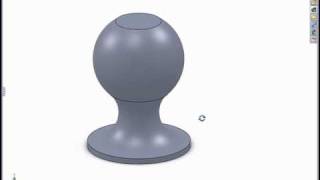
The new View Selector introduced by SolidWorks 2013 is great for re-orienting your models with ease and precision, but it has one problem - it will default to the ISO orientation during preview.

If you would like to keep the existing orientation when using the View Selector, watch this video.
More from this channel
-
 2:26
PropertyLinksXpress - Try a FREE SolidWorks Add-in for Custom Property Insertion
-
 6:12
Modeling in the SolidWorks Graphics Area
-
 1:16
Creating Relative Views of non-planer Models
-
 1:00
Using Select Sub-assembly with the Isolate Tool
-
 2:07
Using the Selection Tools with an Assembly
-
 1:06
The Flat to the Screen Dimension Display Option
-
 2:31
Using Reload Rather Than Close Without Save
-
 0:52
SolidWorks 2008 Enhanced Component Patterns