Tips and Tricks for Consumer Product Design | Replace Face
433 views · Published 30 October 2012 · 3:45 · Indexed 4 November 2026
Channel: TriMech Tech Tips Channel · 2012 · Science & Technology
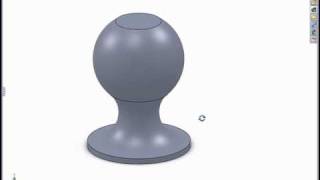
In this tech tip video, I explain how to use the replace face command to add a bit of "crowning" to flat surface to increase its visual appeal and also make it easier to mold.
More from this channel
-
 2:26
PropertyLinksXpress - Try a FREE SolidWorks Add-in for Custom Property Insertion
-
 6:12
Modeling in the SolidWorks Graphics Area
-
 1:16
Creating Relative Views of non-planer Models
-
 1:00
Using Select Sub-assembly with the Isolate Tool
-
 2:07
Using the Selection Tools with an Assembly
-
 1:06
The Flat to the Screen Dimension Display Option
-
 2:31
Using Reload Rather Than Close Without Save
-
 0:52
SolidWorks 2008 Enhanced Component Patterns